
What started off in 2020 as my Master's degree dissertation, ended up as a 500 Mb installable behemoth!
The story of PyPAn is of passion, glory, coffee breaks, InstaDock (wait, huh?), and none of that. It is just another run of the mill protein analysis tool that I created while I was experimenting with frameworks to use for InstaDock.
It began its life as a dissertation project: a tiny Django web app named MMAT that simply advised users on which protein structure modeling method to use. Homology, threading, or ab initio, MMAT gave sensible recommendations based on the input sequence and quietly went back to sleep. It worked. But it wasn’t enough to get any publication, it needed some oomff (if not novelty).
Real protein analysis workflows are messy. Researchers rarely need one neat answer. They need to stitch together multiple tools, check properties, align sequences, analyze structures, and somehow keep their sanity. So I did what most developers do at this point. I overbuilt it. No regrets though ;)


Okay, I do feel that this tool rather than being something that everyone uses, is something that let me learn a lot of things!
The central idea was simple: put the most common protein analysis steps in one place and save users the pain of opening ten different tools. So just random things go would not work (I know, I tried doing that...), I needed a coherent story to tell with this project/tool. Asked my PI for anyting they could help me with, like things in the lab that could be automated, simplified or even created. His answer was simple, the lab and many other people need a software that comprehensively helps with protein analysis.
(Legit reaction, circa 2022)The toolkit expanded extremely quickly! Sequence analysis uses Biopython to calculate a dozen physicochemical properties. Multiple sequence alignment runs through a Clustal-O wrapper. Structural analysis generates Ramachandran plots and calculates solvent accessibility and radius of gyration. All these parts lived under one roof, wrapped in a clean GUI that didn’t require users to touch the command line.
Writing the underlying logic was the easy part. Making it accessible through a friendly interface was the real test. GUI design in scientific software is often treated as an afterthought, but here it became the backbone. I wanted PyPAn to feel approachable even to those who are more comfortable pipetting than programming. The application was designed to guide users through logical workflows rather than dumping all features at once. It was less "choose your own adventure" and more "follow the breadcrumbs to get results".
But damn,
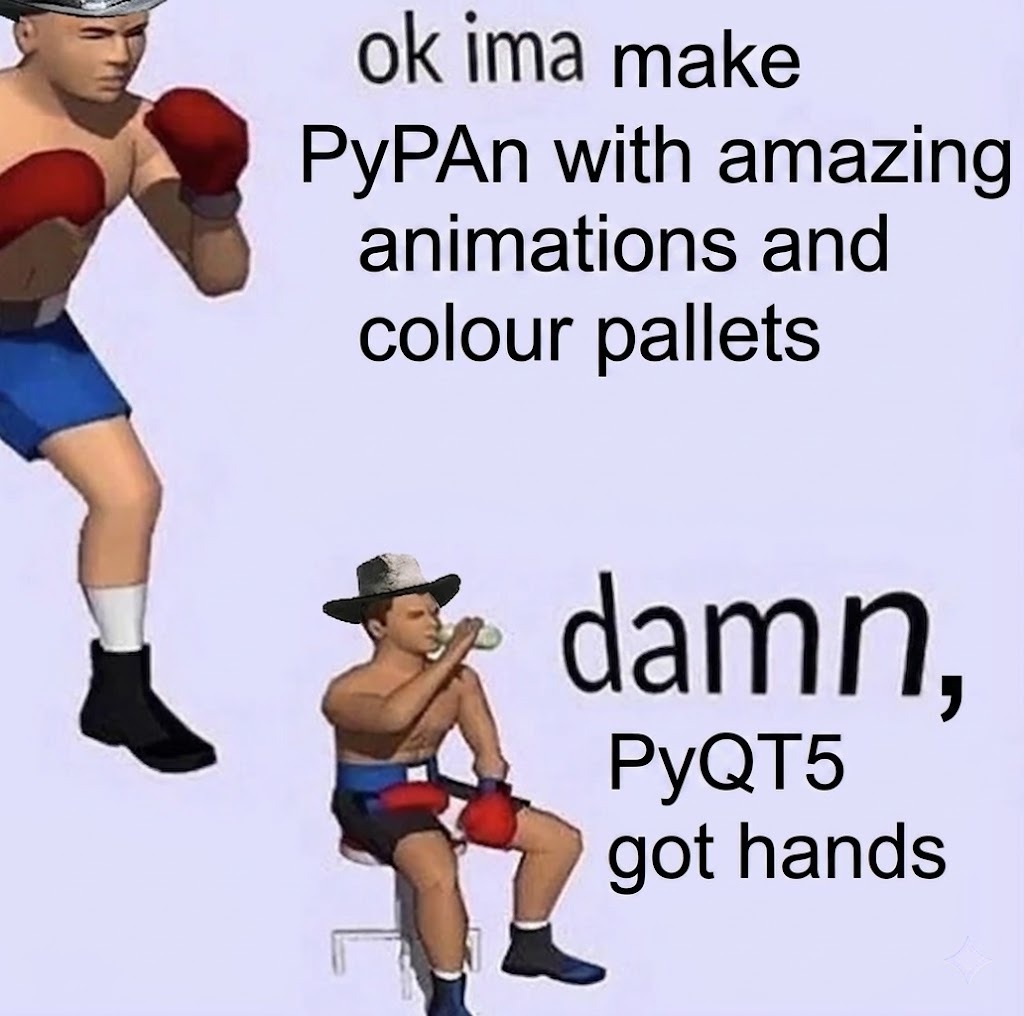
PyPAn was practical, useful, and reasonably stable. But publishing a software tool that is an integrator rather than an entirely new algorithm is a different kind of challenge. Reviewers loved the utility but questioned its novelty. It collected rejections like trading cards before finally landing at a journal that valued what it offered: a unified, user-friendly protein analysis platform.
Scientific software doesn’t always need to reinvent algorithms. Sometimes it just needs to make them easier to use.
In many ways, PyPAn taught me more about scientific communication than about coding. Building something is one skill. Convincing the world it matters is another entirely. This is a rant for another time though...